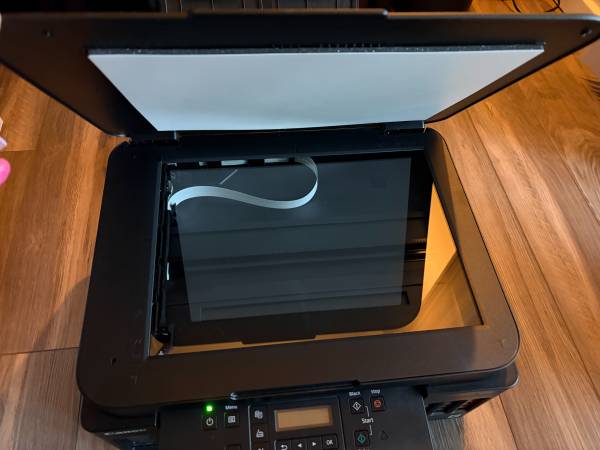
This is a Canon Pixma G6020 ink tank printer we have had for about 5 years that has a software error that could be fixed by someone handy but we didn't want to deal with it. Canon still sells this model for $249. It is a multi function printer/scanner/copier with a rear bypass tray for cardstock, photo printing, etc. Bottom line, the printer is living on borrowed time unless it is repaired. It does have a good amount of ink of all colors in the tanks and otherwise works great, we've been very happy with it.
The issue is error 1700, which is the result of the ink absorber being full. This error is a predecessor to error SB500, which will happen after some undetermined amount of printing (I've read somewhere around 200 to 500 more pages, but the next ink flush will also trigger it). At that point, the printer thinks it cannot print anymore because there is too much ink in the absorber. The printer is fully functional currently and the error does not prevent printing, it just pops up every time the printer is powered on to warn you that it needs service.
However, this printer needs a new owner who is savvy enough to reset the firmware or it is not long for this world. We have this error because we did not use this printer much, and we did not know until it was too late that ink tank printers tend to get clogged if they aren't used regularly. When they get clogged, you must perform an ink flush to clear the clogs. Apparently Canon did not plan for what would happen when the collector for all that ink filled up, so while the printer screen will tell you to contact Canon for service, they actually do not service this issue so they will not help you with it. Folks with greater technical ability than me have been able to pull out the ink absorber to empty it and reset the waste counter to continue using these printers indefinitely.